What's a Good Website Speed Score — And Why It Costs You Customers
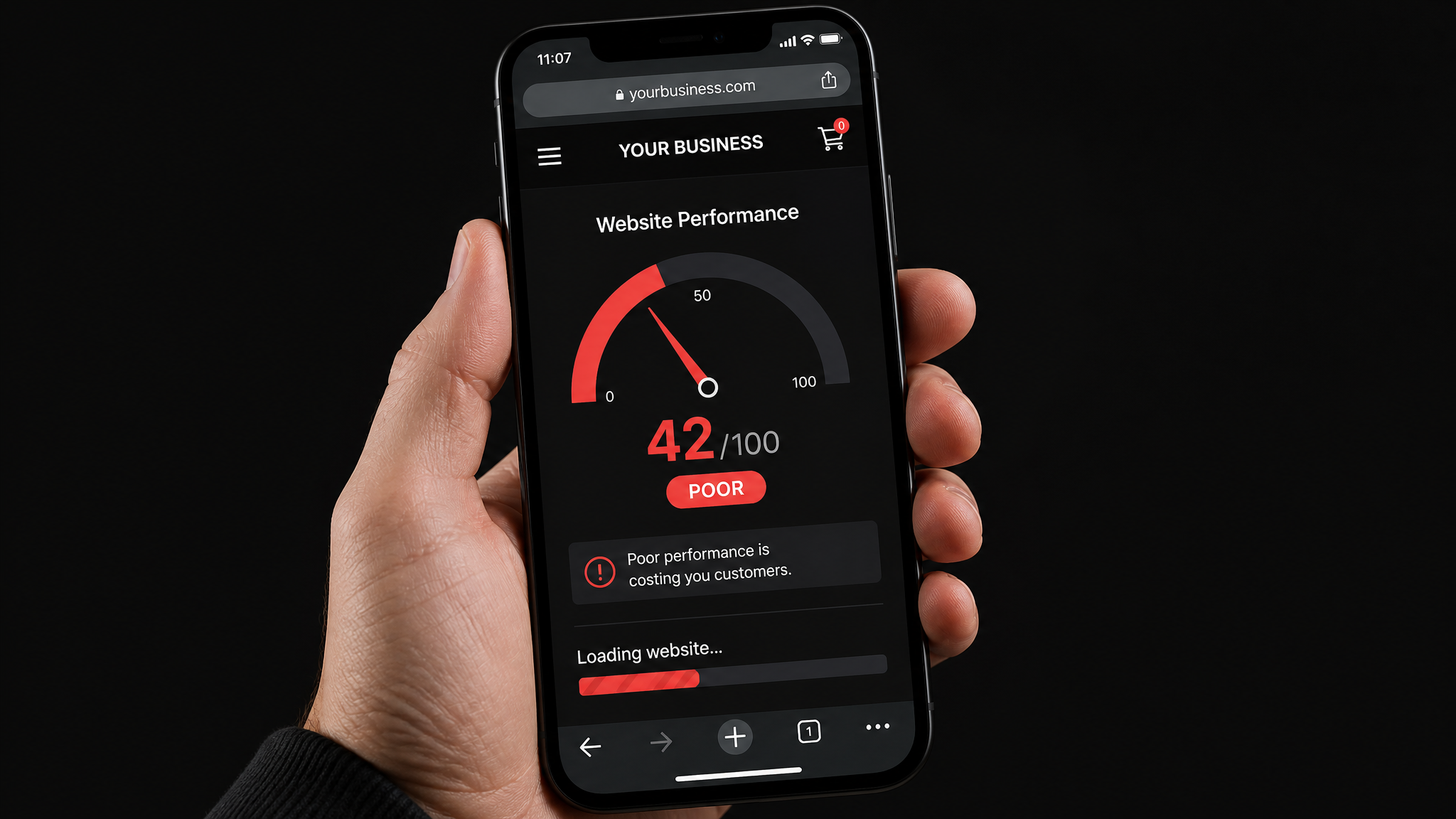
Somewhere in the last few years, Google started grading every website on speed. They call the system Core Web Vitals, and the scores directly affect where you rank in search results.
If you've ever run your site through Google PageSpeed Insights and seen a number out of 100, that's what we're talking about. But what do those numbers actually mean? And when should you worry?
The Three Scores That Matter
Google measures three specific things:
Largest Contentful Paint (LCP) — How long until the main content of your page is visible. Google wants this under 2.5 seconds. If your hero image or main text takes 5+ seconds to appear, visitors leave before they ever see what you offer.
Cumulative Layout Shift (CLS) — Whether things jump around while the page loads. You know that experience where you're about to tap a button and suddenly an ad loads above it and pushes everything down? That's layout shift. Google wants this as close to zero as possible.
Interaction to Next Paint (INP) — How quickly your site responds when someone taps or clicks something. If there's a noticeable delay between tapping a button and something happening, that's a bad INP score.
What's "Good Enough"?
Here's the practical answer:
- 90–100: Excellent. You're in great shape.
- 50–89: Needs work. You're probably losing some rankings and definitely losing some visitors.
- Below 50: This is hurting you. Google is actively ranking you lower, and visitors on phones are bouncing before your page finishes loading.
Most small business websites we audit land in the 30–60 range on mobile. Desktop scores are almost always higher (because desktop connections are faster), but Google uses your mobile score for ranking — so that's the one that counts.
Why This Costs You Money
Here's the part that matters: a slow website doesn't just rank lower — it loses the visitors who do find it.
Study after study shows the same thing: if your page takes more than 3 seconds to load on mobile, over half your visitors leave. They don't wait. They hit back and click the next result — which is your competitor.
The cruel twist is that you never see this happening. Nobody emails you to say "your site was slow so I went somewhere else." Your analytics just show fewer inquiries, fewer calls, fewer sales — and you blame your ads, your pricing, or the market.
What Actually Makes a Site Slow?
The usual suspects:
- Unoptimized images. A single 5MB hero photo can tank your score. Images should be compressed and served in modern formats (WebP).
- Too many plugins or scripts. Every chat widget, analytics tracker, and social media embed adds weight. Some business sites load 30+ third-party scripts.
- Cheap or shared hosting. Your server's response time is the starting line. If your hosting is slow, nothing else matters.
- No caching. If your server rebuilds the entire page from scratch for every single visitor, it's doing unnecessary work.
What to Do About It
Step one: find out where you actually stand. Run your site through our free audit — it pulls your real scores from Google PageSpeed Insights and translates them into plain English. No account needed, takes 30 seconds.
If your scores need work, the audit tells you exactly what's dragging them down. Bring that to your developer — these are specific, fixable issues, not vague complaints. Most speed improvements can be done in a day or two once someone knows what to target.
Curious how your site stacks up?
Run the free audit — 30 seconds, no login, plain-English results.
Run the Free Audit